Dashboard
The Dashboard is the default homepage when you sign in to Ingest.
The bar chart provides a graphical interface of the collections that you have started working on, organised by status.
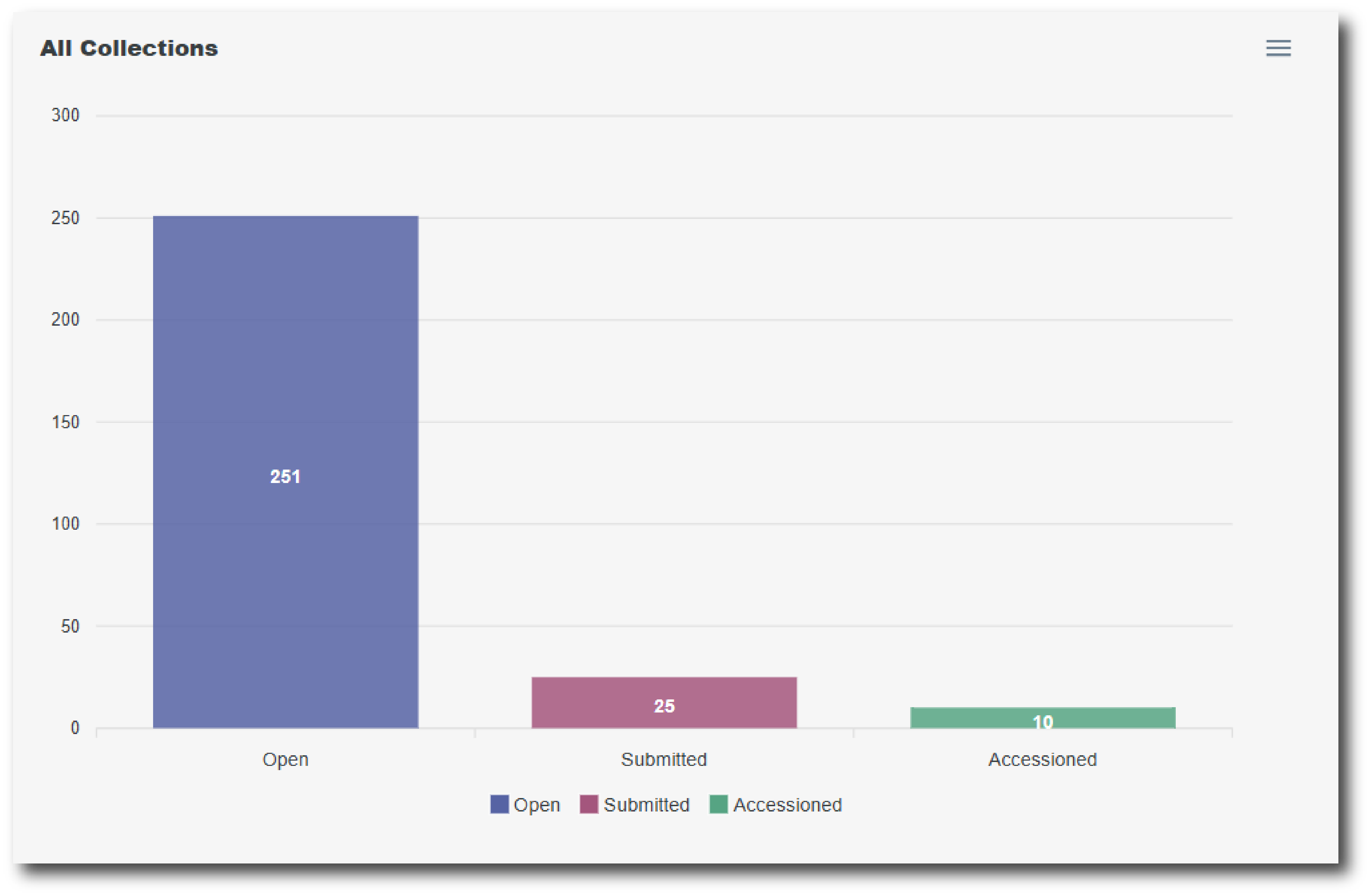
Click a bar in the chart to go to the Collections List page, filtered by Collection Status.
Click the green button at the top of the page to start a ‘New Collection’.
If you have any collections that have been started but have remained inactive for a long period of time, then they will be listed on the Dashboard page. These collections will be automatically deleted after 12 months of inactivity.