Manage tools, metadata and other info
Previewing and publishing your service entry
At the end of the '+ Add Service' form is a check box to Make the service public. The service will not be visible in the catalogue until approved by the HSDS.
If you leave this box unchecked and submit the form, your service will not appear in the main catalogue as visible to all users.
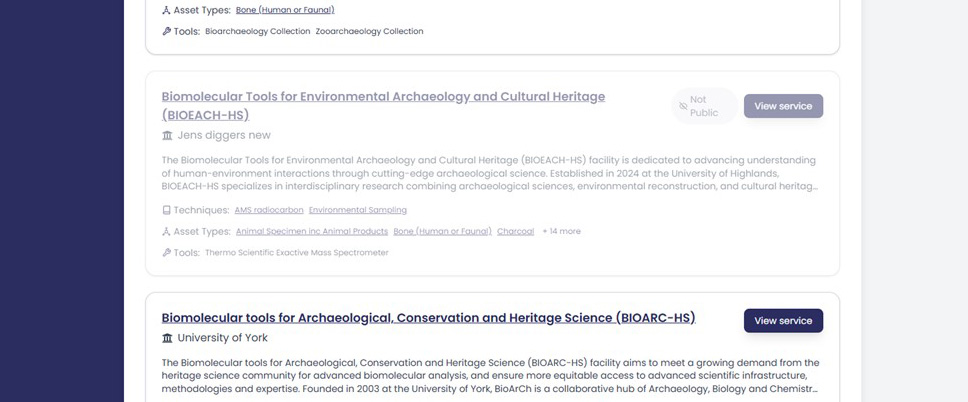
However, when you and members of your organisation are logged in, you can view your entry as a draft. This will be shown alongside other services in the public catalogue but it will be greyed out.
To preview:
- Return to the Catalogue
- Scroll to find your service (greyed out, marked "Not Public")
- Click it to view the public view layout
Creating Multiple services within one organisation
Organisations with several laboratories, facilities, or specialist services may create as many service entries as necessary and edit their entries by repeating this process.
If your organisation has multiple services each service can:
- Have its own tools.
- Can have distinct contacts and addresses.
- Can be published or hidden independently.