Log in to the Catalogue of Services
Once you have registered via UMA, you can now log in to create and edit your entries in the catalogue.
The login menu is found at the bottom right hand corner of the main catalogue page. Select “Service Provider Login”.
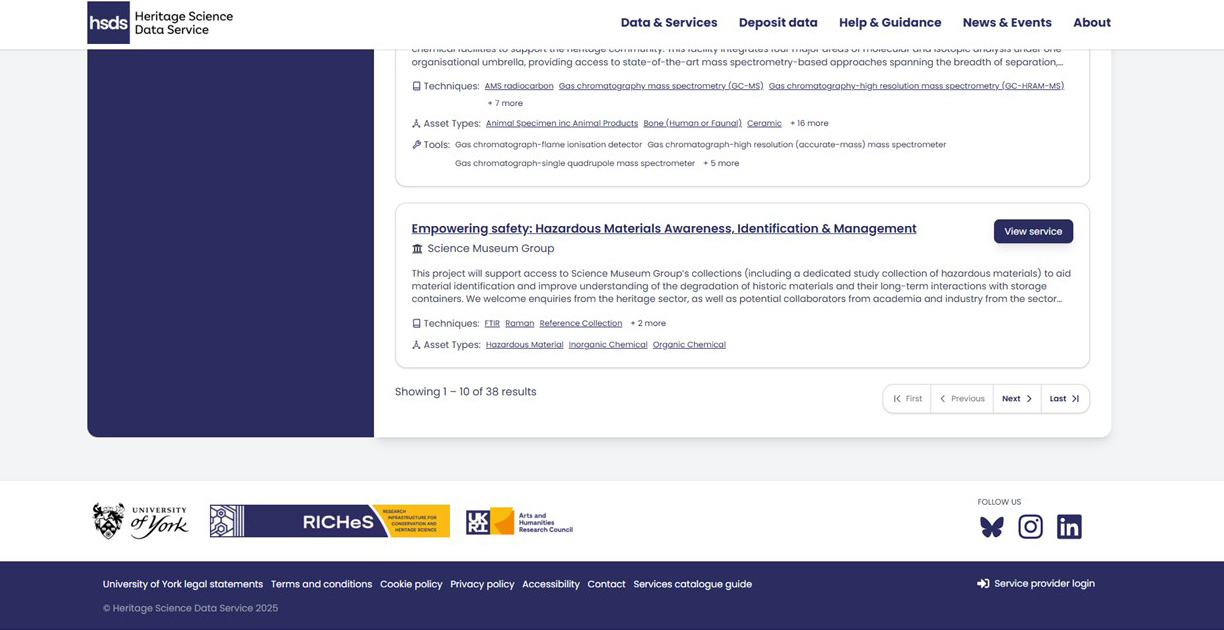
This login uses the same credentials (email address/password) as UMA.
If you do not yet have an account with the Catalogue of Services, please read the How to Register via the User Management Application (UMA) pages.